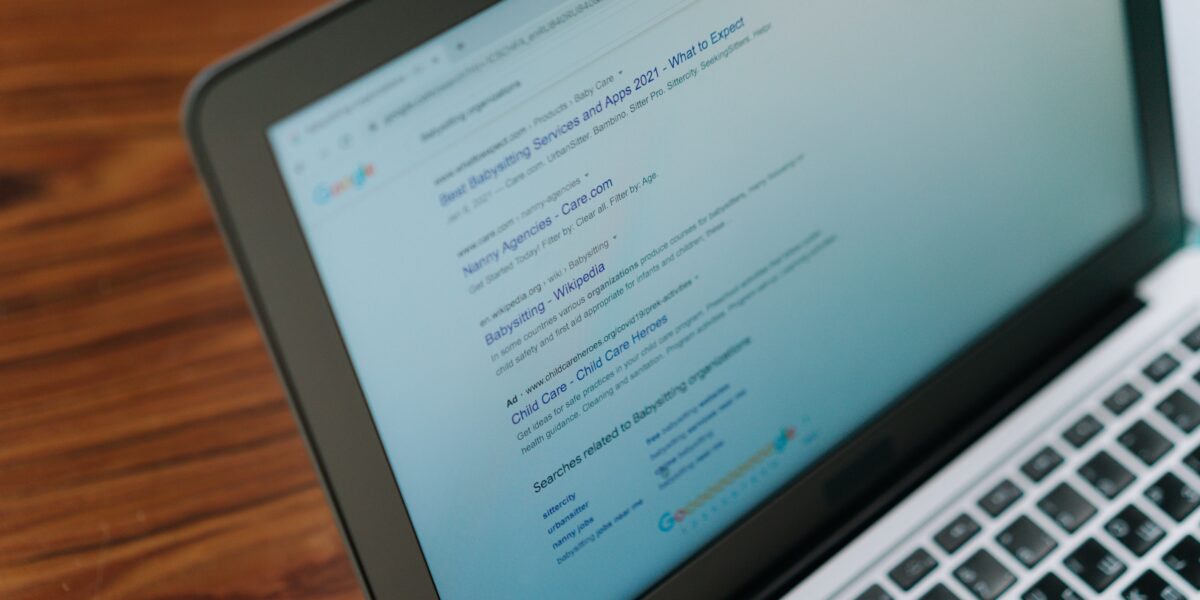
A client called me last week, worried. His Google Ads campaign looked exactly the same as three months ago – same keywords, same budget, same landing page. But his leads had dropped by almost 30%.
He was not doing anything wrong. Something bigger had changed underneath him: Google’s own search results page.
If you run Google Ads for your business, you need to understand this shift now. It is not a small update. It is one of the biggest changes to how people search since mobile took over from desktop. Let me explain what is happening, in simple terms, and exactly what you should do about it.
What Are AI Overviews (And Why Your Leads Might Be Dropping)
AI Overviews are the AI-written answer boxes you now see at the top of many Google searches. Instead of ten blue links, Google often shows a paragraph or two written by AI, answering the question directly on the page.
Sounds helpful for the person searching. But if your business depends on people clicking through to your website, this is a real problem.
Here is the number that matters: when an AI Overview appears on a search, the top-ranking website loses close to 58% of the clicks it would normally get. Multiple studies now show that more than two out of every three Google searches in 2026 end without any click at all, to anyone.
This is not a small dip. This is a structural change in how search works.
It Is Not Just Google Anymore – ChatGPT Is a Search Engine Too
While Google was changing its results page, something else happened. Millions of people started asking ChatGPT the questions they used to type into Google.
“Best digital marketing agency in Chennai” used to be a Google search. Now, plenty of people ask ChatGPT the same thing, in a full sentence, the way they would ask a friend for advice.
Google noticed. That is why it built its own conversation-style search called AI Mode, and why Google is now testing ads inside AI Mode and inside AI Overviews themselves. At the same time, OpenAI has started rolling out its own ads inside ChatGPT.
So there are now three separate places where “search advertising” can happen: normal Google Search, Google’s AI Overviews and AI Mode, and ChatGPT.
What This Actually Means for Your Google Ads Account
Here is where it gets practical. Three things are happening inside Google Ads accounts right now, whether business owners have noticed or not:
1. Cost per click is going up for the ads that stay visible. Fewer prime spots are available on the page, so more advertisers are fighting for them.
2. Informational searches are losing clicks fastest. Searches like “what is,” “how does,” or “why” get answered directly by AI Overviews. Transactional searches like “buy,” “near me,” “price,” or “book now” are much more protected, because AI cannot complete the purchase for the user.
3. Google is quietly moving accounts into AI-run campaign types. Since 1 September 2026, Google has been automatically shifting some Search campaigns into a new AI-powered system called AI Max, in some cases without asking. If your account uses Broad Match or the old “Automatically Created Assets” setting, check it. Your campaign may already look different from what you set up.
Old Google Ads Playbook vs. the New AI-Search Playbook
| Old Approach (Pre-2025) | New Approach (2026 AI-Search Era) |
|---|---|
| Bid broadly on informational and buying keywords together | Prioritize high-intent, buying-stage keywords first |
| Measure success by clicks and CTR alone | Measure by conversion quality and Top Ads share, since AI placements are not reported separately |
| Manual bid adjustments | AI-powered Smart Bidding fed with real first-party customer data |
| Short, generic keywords | Longer, conversational, question-style keywords |
| SEO and Ads treated as separate teams | SEO content built partly to get cited inside AI Overviews, supporting Ads |

How to Adjust Your Google Ads Strategy (Step by Step)
1. Stop bidding on purely informational keywords.
If your keyword is a question with a simple factual answer, AI Overviews will probably answer it before your ad or your website gets seen. Shift that budget toward buying-intent keywords like “X near me,” “X price,” “book X,” or “X in [your city].”
2. Feed Google your own customer data.
Smart Bidding works better when it knows what your real buyers look like. Upload your CRM list. Set up conversion tracking down to lead quality, not just “form submitted” but “became a paying client.” This also protects you if your cost per lead starts climbing as competition for visible spots increases.
3. Write ads the way people actually talk to AI.
People type full sentences into ChatGPT and AI Mode, like “who installs solar panels in Chennai for a 2BHK flat.” Add these longer, conversational phrases to your keyword research alongside your regular short-tail keywords.
4. Test Performance Max and Demand Gen, but do not switch off your brain.
These AI-run campaign types are where Google is pushing everyone. They can work well, but they are a black box. Check your search term reports and placement data every week instead of only watching the overall numbers.
5. Do not panic and pause everything.
Some businesses see impressions climbing while clicks fall, and assume their account is broken. Before pausing keywords, check whether it is an AI Overview effect on informational searches, or a genuine account problem. Panic-pausing good keywords is one of the classic Google Ads mistakes I see business owners make.
6. Get your website cited inside AI Overviews, not just ranked below them.
Google still pulls its AI Overview answers from real web pages. Businesses that get cited inside the AI Overview box actually see 35% more clicks than average, not fewer. This means clean on-page SEO and a well-structured site matter even more now. Run through our SEO audit checklist if you have not checked your site’s technical health recently.
Should You Advertise on ChatGPT Too?
Not yet as your main channel. But it is worth testing in small amounts.
ChatGPT advertising is still new, which means the cost per click is unusually low right now, the same way Facebook ads were cheap back in 2010. Businesses that test early usually learn the platform for less money than the ones who wait.
My advice: get your Google Ads account working well for the AI-search era first, since that is where your existing traffic and data live. Then put 5-10% of your monthly budget into testing ChatGPT ads or similar platforms, and grow that number only if it performs.
Google Ads vs Meta Ads in the AI Search Era
One more thing worth mentioning. Meta Ads is not affected by AI Overviews at all, because Facebook and Instagram do not compete with Google Search. If your Google Ads costs are climbing because of the AI Overview effect, this might be a good time to shift a slightly larger share of your budget toward Meta. Our Google Ads vs Meta Ads guide walks through how to split your budget between the two.
A Simple Action Checklist
- [ ] Check if any of your Search campaigns were auto-moved to AI Max after 1 September 2026
- [ ] Pull up your search terms report and separate informational vs buying-intent queries
- [ ] Shift 20-30% of informational keyword budget toward high-intent, local keywords
- [ ] Set up proper lead-quality conversion tracking, not just form-fill tracking
- [ ] Run a basic SEO check on your site so you have a better chance of being cited inside AI Overviews
- [ ] Set aside a small test budget (5-10%) for ChatGPT or other AI-search advertising
- [ ] Review placement and search-term data weekly, not monthly, for the next few months
Frequently Asked Questions
What is an AI Overview in Google Search?
It is an AI-generated summary that Google shows at the top of some search results, answering the question directly instead of just showing website links.
Do AI Overviews affect my Google Ads campaigns?
Yes. When an AI Overview appears, fewer people click through to any result, paid or organic, especially for informational searches. Ads on high-intent, buying-related searches are affected much less.
Should I stop running Google Ads because of AI Overviews?
No. Google Ads still works well for people who are ready to buy. You need to adjust which keywords you target and how you measure success, not stop advertising altogether.
What is Google AI Max?
AI Max is Google’s newer AI-powered Search campaign system. Since September 2026, Google has been automatically migrating some existing Search campaigns into it, so it is worth checking your account settings.
Wrapping Up
AI Overviews and ChatGPT are not going away. If anything, they will only get bigger through the rest of 2026 and beyond.
The businesses that struggle will be the ones running Google Ads exactly the way they did in 2024. The businesses that do well will be the ones who adjust their keywords, protect their high-intent budget, and treat AI citation as seriously as they treat Google ranking.
You do not need to overhaul everything overnight. Start with the checklist above, review your account weekly for the next month, and adjust as you go.
Want help adjusting your Google Ads strategy for the AI-search era? I have been running Google Ads and Meta Ads campaigns for Chennai businesses for the last 4+ years, and I am already helping clients rework their accounts for this shift. Let’s look at your account together.
Or read our detailed guides:
- 10 Google Ads Mistakes That Waste Your Budget
- Cost Per Lead Benchmarks by Industry in India 2026
- The Ultimate Website SEO Audit Checklist (2026)
Found This Helpful?
Get a free audit of your Meta or Google Ads account. Anusha will review your campaigns and give you a clear action plan to cut CPL and grow ROAS.
Book Free Audit →Limited slots · No agency fees · Just a clear action plan